
There is a question people forget to ask before signing up for an AI tool, and it is the one that decides whether the tool is useful or a waste of money: does it actually connect to the software you already run your business on?
It sounds obvious once you say it out loud. But a lot of AI tools look brilliant in a demo and then turn out to be an island(completely isolated, no connections from land). They cannot talk to your accounting software, your invoicing, or your customer list, so every clever thing they do has to be copied across by hand. At that point the tool is not saving you time, it is adding a chore.
This guide explains, in plain terms, how AI tools connect to the rest of your business software, why that matters more in Europe than most international reviews admit, and what to check before you buy. No deep technical knowledge needed.
Why “does it connect” is the real question
Your business already runs on software. You have something for accounting, probably something for invoicing, maybe a system for customers or orders. That setup works, your staff know it, and in many cases your accountant or tax advisor is plugged into it too. You are not going to tear all that out because a new AI tool would prefer you did.
So any new tool has to fit into what you already have. If it does not, one of two things happens. Either you spend your days copying information from one place to another by hand, which cancels out the time the tool was supposed to save, or the tool quietly goes unused because it is too much hassle. This is why an AI tool that cannot connect to your existing software is, in practice, dead on arrival, no matter how impressive it looks.
The good news is that connecting tools is a normal, solved problem. You just need to understand the two ways it happens.
Connecting AI tools: the two ways tools connect
1. Native connectors (the clean way)
A native connector means the AI tool has a direct link to another piece of software built in. The makers have done the work so that, for example, the tool “works with” your CRM(Customer Relationship Management) or your accounting package out of the box. You switch it on, log in, and the two talk to each other.
This is the ideal case. It is the least fuss, there is nothing extra to maintain, and usually nothing extra to pay for. So the first thing to check for any AI tool is simple: does it have a native connector for the software you actually use? If yes, your life is easy.
2. Glue tools (the flexible way)
Often there is no direct connector, because no company can build a direct link to every other piece of software in the world. When that happens, people use a “glue” tool that sits in the middle and passes information between two apps that do not otherwise talk to each other.
The way it works is straightforward to picture: you set up a rule that says “when this happens in app A, do that in app B.” For example, “when a new invoice is created, add the details to my spreadsheet,” or “when someone fills in my form, add them to my email list.” The glue tool watches for the first thing and carries out the second automatically.
Three glue tools come up again and again. They are worth knowing by name, because the choice between them matters for a European business in a way that is easy to miss.
The three glue tools, in plain terms
Zapier (the easiest) – US
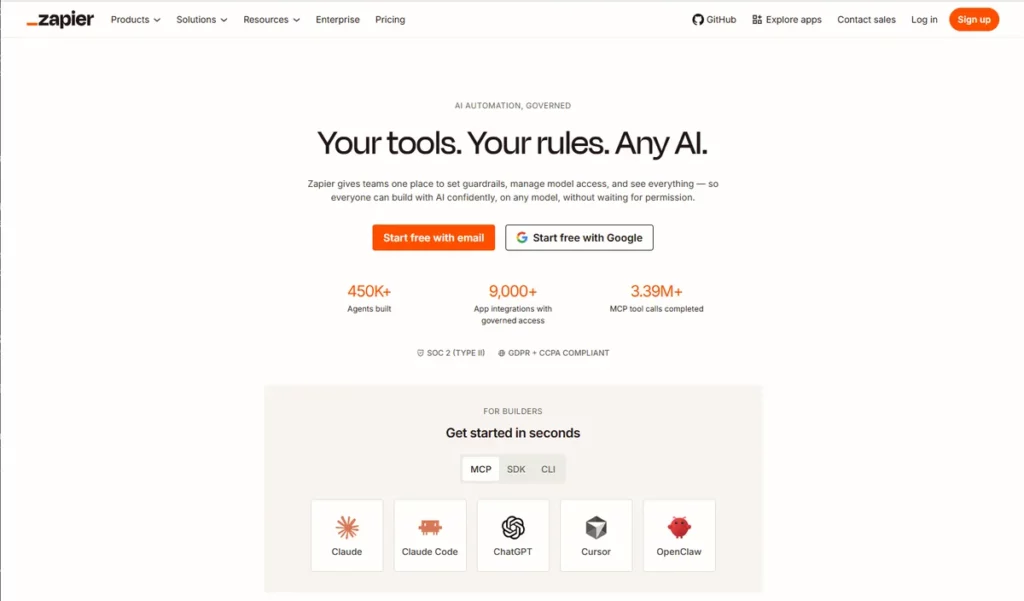
Zapier is the best known and the easiest to use. It is built for people who are not technical: you pick your trigger and your action from plain-language menus, no code involved. If you can set up an email rule, you can use Zapier. It also connects to a huge range of apps, more than almost anyone else, and it has a free tier to start with.
The catch for a European business is where it sits. Zapier is a US company, and your data passes through its systems as it moves between your apps. For a lot of everyday, non-sensitive automation that is fine. But if the information flowing through it includes customers’ personal details, you have introduced a transfer of personal data to a US service, which is exactly the kind of thing a GDPR-minded business needs to think about rather than wave through.
Make (powerful, European-rooted) – EU
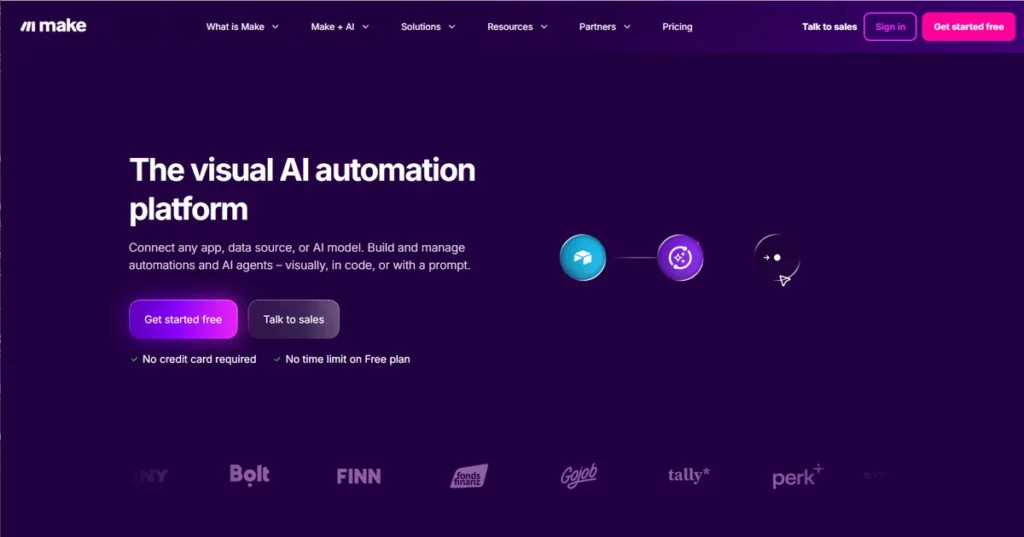
Make, which many people still know by its old name Integromat, is more powerful than Zapier and shows you the automation visually, as a chain of connected steps you can see and rearrange. That extra flexibility comes with a slightly steeper learning curve, but once it clicks a lot of people find it more capable, and often cheaper, than the alternatives. It has a free tier too.
On origins, worth being precise rather than slapping a flag on it: Make began as Integromat, founded in Prague, so it has genuine Czech roots. Since 2020 it has been owned by Celonis, a large German-American company (headquartered in Munich, with a second base in New York). So it is European-rooted and run out of a European-headquartered group, but it is not the independent Czech startup it once was. It carries the usual GDPR and security certifications.
n8n (the sovereign option, if you are a bit technical) – EU
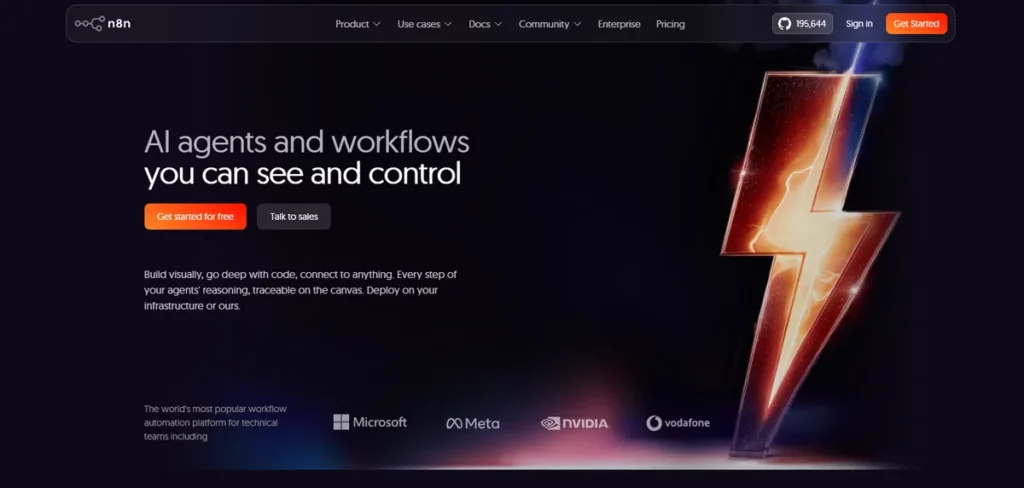
n8n is a German company, based in Berlin. It is the most technical of the three, and the most interesting one for a business that genuinely cares about data control, for a specific reason: you can self-host it. That means you can run it on your own servers, or on European infrastructure you choose, so the data flowing through your automations never has to leave your control or the EU at all.
That is a real data-sovereignty advantage that neither of the others offers in the same way. The trade-off is that self-hosting takes some technical comfort to set up, so n8n suits a business with a little in-house tech ability, or one working with a developer. There is also a managed cloud version if you want the convenience without running it yourself. Its code is open for anyone to inspect, which the security-minded appreciate.
The short version: start with Zapier if you just want the easy path and your data is not sensitive. Look at Make if you want more power at a fair price. Look at n8n if keeping data on your own European infrastructure is a priority and you have some technical help.
The European reality nobody mentions
Here is where most international advice quietly fails a European reader. The big US guides assume your accounting software is QuickBooks or Xero, and they are right that AI tools connect to those beautifully. The trouble is that a great many European businesses do not use those at all.
In Germany, an enormous share of businesses run on DATEV, an accounting and tax system that their tax advisor (the Steuerberater) is directly plugged into. In France, Cegid is a common backbone. In Italy, TeamSystem is widespread. Sage turns up across several countries, and every market has its own local favourites on top of that. These are not fringe tools, they are the systems real businesses actually keep their books in.
The problem is that many AI tools, built with the US market in mind, connect happily to QuickBooks and Xero and not at all to DATEV or its equivalents. So a tool that looks perfectly integrated in an American review can be an island the moment you try to use it with a German or French accounting stack. This is the single most important thing to check, and the thing you will almost never see checked in a non-European review.
It is not always a dead end. Sometimes a glue tool can bridge the gap even when there is no direct connector, and sometimes your local accounting system has its own way of importing and exporting data. But you need to find this out before you commit, not after.
Connecting tools is also a GDPR question
There is one more angle that a general tech review skips entirely, and it matters for any European business handling personal data.
Every time information moves between two apps, it goes somewhere. When you use a glue tool in the middle, your data passes through that tool’s systems, and if that tool is based outside the EU, you have created a transfer of personal data across borders. For ordinary, non-personal information that is nothing to lose sleep over. But if you are piping customers’ names, emails, or order details through the connection, then the route that data takes is part of your GDPR responsibility.
This is why the choice of glue tool is not only about ease of use. A US-based connector moving your customer list around is a different compliance picture from a European tool, or a self-hosted one where the data never leaves your own infrastructure. None of this makes any option forbidden. It simply means the honest question is not just “is it easy,” but “where does my data go when I use it.” For the wider picture of where your tools store and process European data, see our guide to AI tools with EU data residency.
What to check before you buy
You do not need to become a technical expert. You just need to run any AI tool through a short list of questions before you pay for it.
- Does it have a native connector for the software I actually use? Check its integrations list for your real accounting, invoicing, or customer system, not just the famous US ones. If your system is there, you are in good shape.
- If not, can a glue tool bridge it? See whether Zapier, Make, or n8n connects to both your AI tool and your existing software. If both appear, a bridge is usually possible.
- Where does my data travel? If personal data will move through the connection, notice whether the tools involved are EU-based, US-based, or self-hosted, and whether that creates a transfer you need to cover.
- Is there a data-processing agreement? Any tool touching personal data on your behalf should offer one. If a glue tool sits in the middle of your customer data, it needs one too.
- Does it handle my country’s stack? If you are in Germany, France, Italy, or anywhere with a dominant local accounting system, confirm it works with that specifically, not just with the international names.
Run a tool through those five questions and you will avoid the most common and most expensive mistake: paying for something clever that cannot fit into the business you already have.
Frequently asked questions
What does it mean for an AI tool to “integrate” with my software? It means the tool can automatically share information with the other software you use, so you do not have to copy things across by hand. This happens either through a built-in connector or through a separate “glue” tool that links the two.
Do I need a technical person to connect my tools? Usually not. Tools like Zapier are designed for non-technical users and work through plain-language menus. Only the more advanced options, like self-hosting n8n, really call for some technical help.
What is the easiest tool for connecting apps? Zapier is generally the easiest to start with, with a free tier and a very large range of supported apps. Make is more powerful but takes a little longer to learn.
Will AI tools work with European accounting software like DATEV? Sometimes, but far less often than with US systems like QuickBooks. This is exactly why you should check for your specific accounting software before buying, rather than assuming. A glue tool can occasionally bridge the gap where no direct connector exists.
Is there a GDPR issue with connecting tools? There can be. When personal data moves between apps through a third-party tool, especially one based outside the EU, that is a data transfer you are responsible for. It is manageable, but it is worth choosing your tools with that in mind if you handle customer data.
The honest summary
An AI tool is only as useful as its ability to fit into the business you already run. Before you are dazzled by what a tool can do, check the boring thing: can it connect to your accounting, your invoicing, your customer list, and specifically to the software you use in your country. If it connects natively, wonderful. If not, a glue tool like Zapier, Make, or n8n can usually bridge it, just mind where your data travels on the way, because in Europe that is part of the job. Get that right and the clever features actually reach your business. Get it wrong and you have bought an island.
Sources
- DATEV is a German cooperative owned by tax advisors, and the system most German Steuerberater run on. DATEV eG, About DATEV: https://www.datev.com/about-datev/
- Local accounting systems dominate each European market: DATEV in Germany, TeamSystem in Italy, Sage variants across France and Iberia, and others. Apideck, State of European Accounting Tech 2026: https://www.apideck.com/resources/state-of-european-accounting-tech-2026
- Cegid is a French business-management and accounting software company, founded in Lyon in 1983. Cegid: https://www.cegid.com/
- Make began as Integromat (founded in Prague) and was rebranded after its acquisition by Celonis. Business Wire, Integromat Evolves to Make: https://www.businesswire.com/news/home/20220222005231/en/Integromat-Evolves-to-Make-Expanding-Its-Vision-to-Empower-Creators-to-Innovate-Without-Limits
- Celonis, the owner of Make, is a German-American company headquartered in Munich with a second base in New York. Wikipedia, Celonis: https://en.wikipedia.org/wiki/Celonis
- n8n is a Berlin-based company; its platform is source-available (fair-code) and can be self-hosted, so data can stay on your own EU infrastructure. Wikipedia, n8n: https://en.wikipedia.org/wiki/N8n ; n8n, Privacy: https://docs.n8n.io/privacy-security/privacy/
- Zapier is a US-based automation company. Zapier, About: https://zapier.com/about
Last reviewed 8th of July 2026. Tool ownership and market positions change, so we verify these against primary sources and update as needed.